Project Statuses
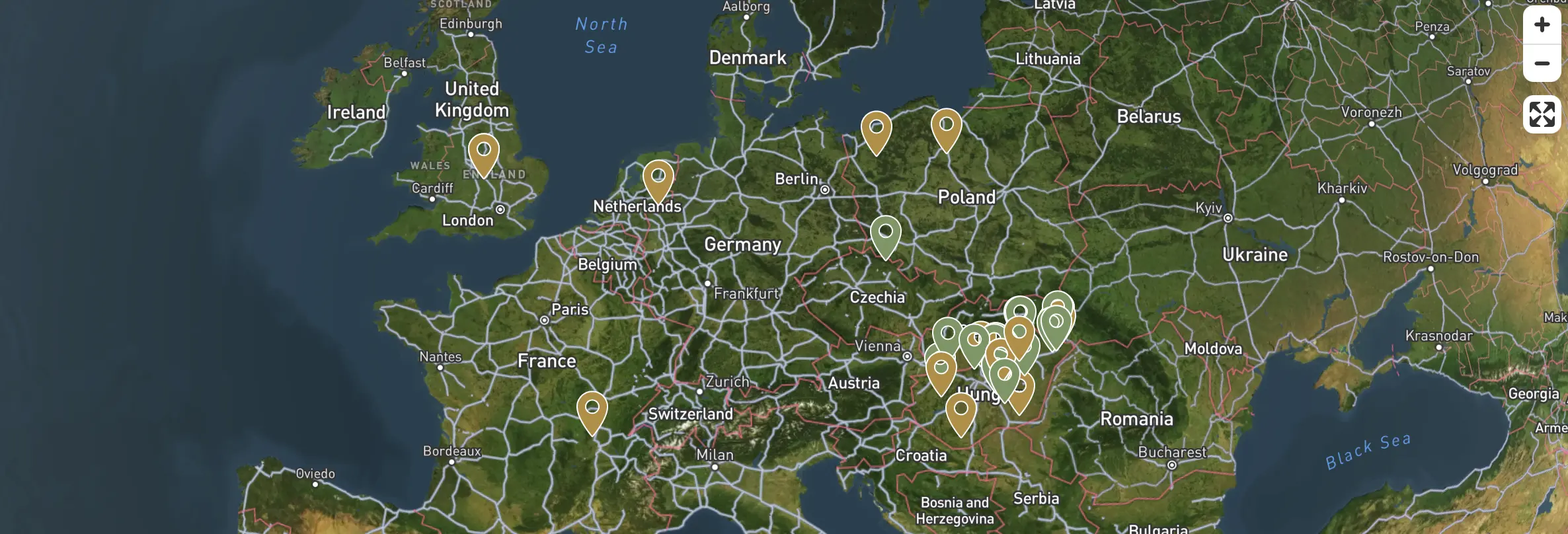
The system distinguishes three work phases, each colour-coded in the project list, cards, and map view.
| Status | Meaning | Colour coding (UI and map) |
|---|---|---|
| Planning | Project preparation, area and metadata being recorded. | Yellow badge |
| Processing | Data upload and processing in progress. | Brown badge |
| Report ready | Results, visualisations, and reports are available. | Green badge |
✅ Advantage
Status-based access ensures the project always focuses on the relevant step, while previous phase data remains accessible, preventing accidental overwrites.
Tab Availability by Status
Within a project, only the tab corresponding to the current phase is active. It is possible to navigate back to previous phases, but data is displayed in read-only mode.
Status Transitions
- Once planning is complete, the user can proceed to the upload interface.
- As soon as files are uploaded and payment is made, the upload phase is closed.
- When processing results are ready, the report tab becomes automatically active, and the system sends an email notification.