Profile Settings
In the TreeDetect system, personal and billing settings can be accessed by clicking the profile icon in the top-right corner of the interface.
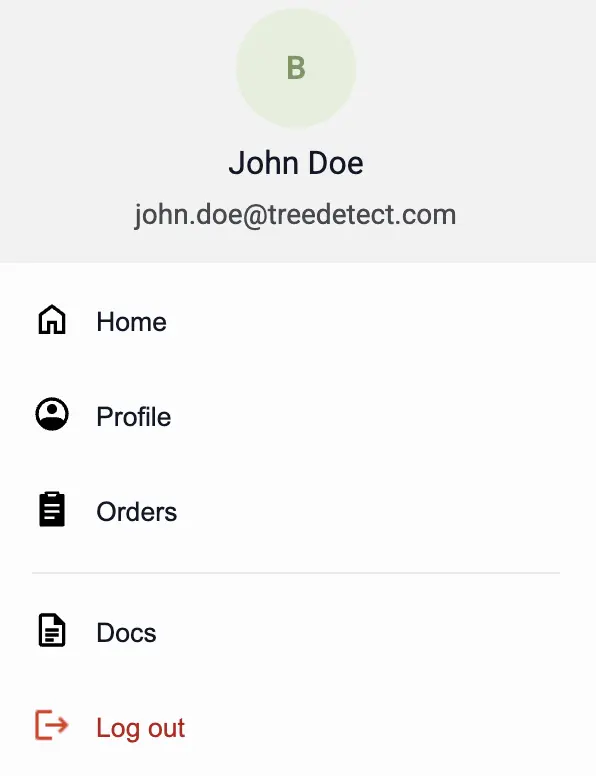
From here, the most important features are available:
- Profile: manage personal data, billing settings, and notification preferences
- Orders: view past projects and payments
- Notifications: enable or disable automatic email notifications
- Logout: securely sign out of the account
💡 Tip:
All settings are directly accessible from the profile menu, so user data, billing information, and notification preferences can be updated quickly and easily.