Project Sharing
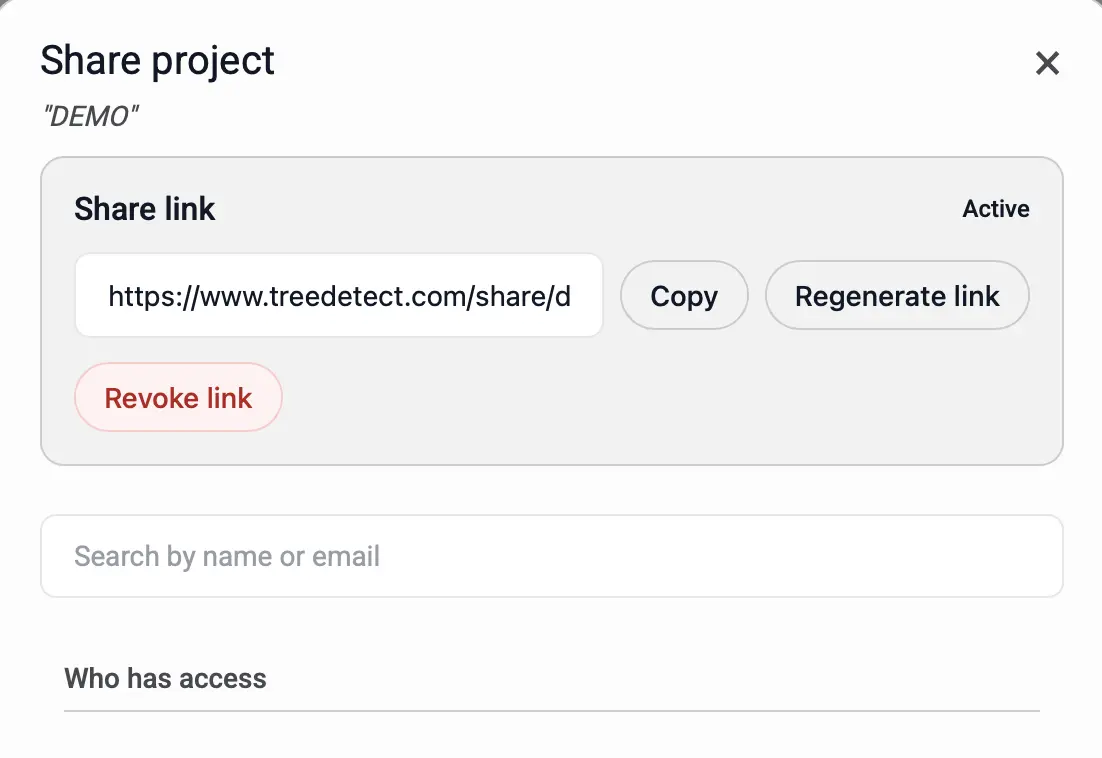
The project sharing interface allows additional users to be invited by searching for them by name or email address.
Permissions are divided into two levels: Viewer and Editor.
✅ Advantage
Sharing enables real-time collaborative review of the project, while access levels are precisely controlled.
Searching and Adding Users
-
Project sharing is accessible via:
- In list view: click "Actions", then "Share".
- In card view: click the "Share" icon at the top.
- On the map: select the project, then click the "Share" icon.
-
In the "Add more users" field, registered users can be found by:
- Name (e.g., "John Smith"),
- Email address (e.g., "john.smith@…")
- The selected person appears as a tag in the field.
- Multiple users can be added at once.
-
Message (optional):
- A short message of up to 200 characters can be attached to the invitation (e.g., context or instructions).
- The message is included in the notification email sent upon sharing.
ℹ️ Notification and automatic addition
Upon successful sharing, the invited user receives an email notification and the project is automatically added to their account.
Permission Levels
The invited user's role is set via the selector on the right:
-
Viewer , View reports, maps, and files. , Download files. , Cannot modify or delete data.
-
Editor , All viewer permissions. , Edit project data, upload/delete files. , Initiate processing and export reports. , Manage user access.
⚠️ Warning
Uploads and deletions performed with the Editor role may overwrite previous outputs.
Who Has Access
The "Who has access" section lists all users with access to the project:
- Name and email,
- Role (Viewer / Editor),
- Remove or change role (depending on permissions).
Changes take effect immediately.
Access by Status
- Planning / Processing: shared users can access tabs corresponding to the project's current phase (previous phases are read-only).
- Report ready: all results are viewable; the viewer role still cannot modify data.
✅ Advantage
Status-aware access ensures shared users always access the features appropriate for the project's current phase.