Flight
The key to successful data collection is a precisely planned and correctly executed flight.
The KML file exported from TreeDetect contains the boundaries of the survey area, which can be directly imported into flight planning software (e.g., DJI Pilot 2, DroneDeploy).
Flight Preparation
- KML import: load the file exported from TreeDetect into your flight planning software.
- Parameter configuration: enter the flight parameters recommended by TreeDetect exactly as specified (altitude, overlap, speed, camera angle, LiDAR sampling mode, etc.).
- Safety parameters: configure all safety settings appropriately (fail-safe behaviour, return-to-home altitude, low battery notification, etc.)
⚠️ Warning: Incorrect parameters may result in faulty or incomplete data collection!
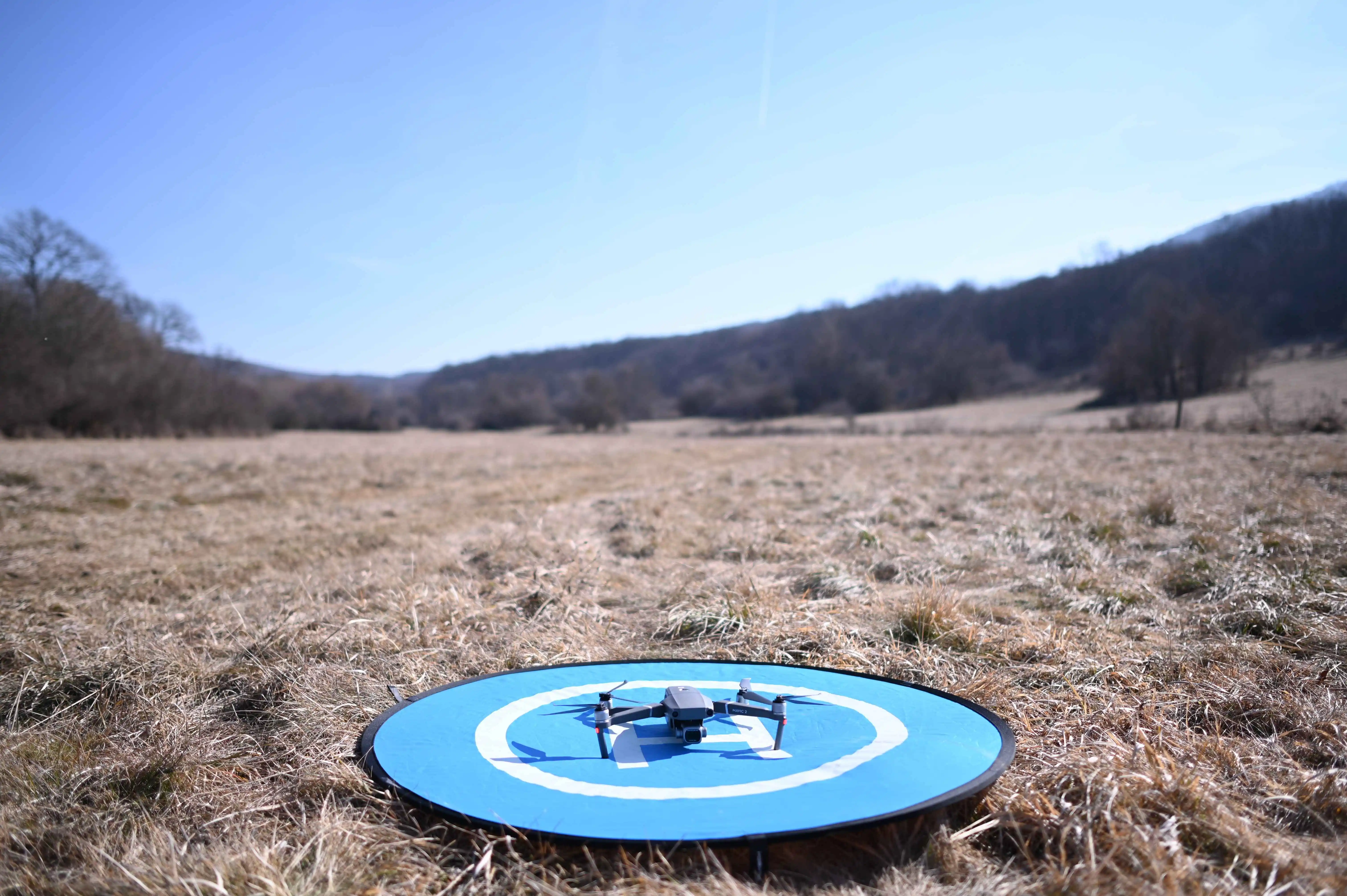
Executing the Flight
Once parameters are configured, the flight can be executed automatically.
Modern flight planning software allows the drone to complete the mission autonomously based on the defined path and settings.
- Monitor the flight status continuously.
- Check battery level and signal connection.
- Always be ready for manual intervention in case of an emergency.
⚠️ Warning: Only fly under appropriate, safe weather conditions, and comply with all applicable aviation regulations!