Uploading Materials
The raw materials recorded during the field survey (images, point clouds, and other data) can be easily uploaded to the TreeDetect system.
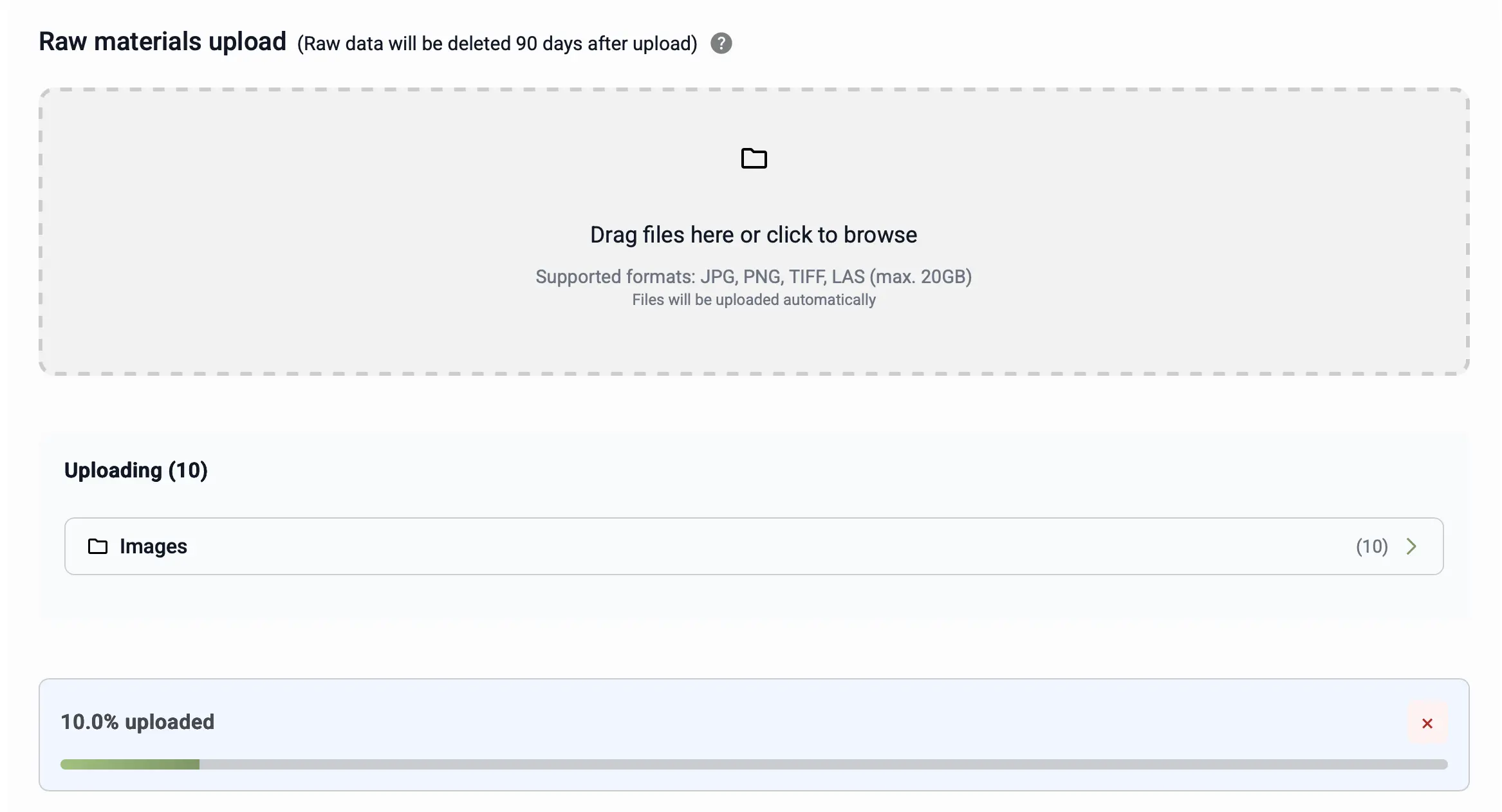
Upload can be done using the familiar drag & drop method, or by clicking the browse button.
Supported Formats
- Images: JPG, PNG, TIFF
- Point clouds: LAS
- Maximum file size: 20 GB / file
Uploaded files are automatically validated to ensure processing occurs with the appropriate quality data. The system checks whether uploaded images and point clouds are georeferenced (i.e., contain coordinate information), and only accepts georeferenced materials. The system is flexible with regard to coordinate systems, it can accept and process materials in virtually any coordinate reference system.
⚠️ Warning!
Only upload georeferenced (coordinate-containing) materials, the system automatically rejects non-georeferenced files!
Automatic area calculation:
After uploading images or a point cloud, the system automatically calculates the surveyed area in square metres and hectares.
This value is later used as the basis for fee calculation in the payment section.
Managing Uploaded Files
After uploading, the system lists all files, showing for each:
- file type (e.g., Images, Point Cloud)
- file name
- size (MB)
- upload date
Additional actions are available for each file:
- Download: the uploaded file can be retrieved to your device at any time.
- Delete: incorrectly or mistakenly uploaded files can be easily removed.
⚠️ Warning!
Uploaded raw materials (images, point clouds) are stored for 90 days from the upload date. After this period, they are automatically and irreversibly deleted. If you need the raw files, make sure to save a local copy!
✅ Advantage: The organised listing and categorisation of files helps maintain a clear overview.
Important Notes During Upload
- File uploads may take longer, especially for large point cloud files.
- Every file undergoes a separate validation check to ensure compatibility and processability.
- The upload status can be monitored in real time on the interface.
⚠️ Warning!
Leaving the page or closing the browser during upload may interrupt the process.
💡 Tip:
Always verify that all files have been successfully uploaded!